

PIQAPART
AI-powered quality traceability, from the line to shipping.
Machine vision to count, inspect and verify every step: PIQAPART Node sensors (LightBoxes and cameras) connected to PIQAPART Core, the web platform. Every check is recorded with a photo and its result, objective proof of what you produced and shipped.
They chose to make their quality traceable

















“A part was missing.” “The pack was incomplete.” How do you prove otherwise?
Every day your operators check quantities, components and defects. But when a customer files a complaint weeks later, little is left of those checks: a signature on a sheet, a memory, a reading on the scale.
Undocumented manual checks
No images, no data to show.
Complaints that are hard to handle
Without evidence, your word is only as good as the customer’s.
Scattered data
Every workstation and department has its own method, and nobody has the full picture.
Built for the people accountable for quality
Quality managers
A single archive of every check, with evidence and reports ready when a complaint or an audit comes in.
Production and packing managers
Faster, repeatable checks that don’t slow the flow.
Quality control operators
A clear result on screen in moments, less effort and less room for error on repetitive tasks.
From large multinationals to established SMEs with production, testing and packing departments.
Every check becomes proof.
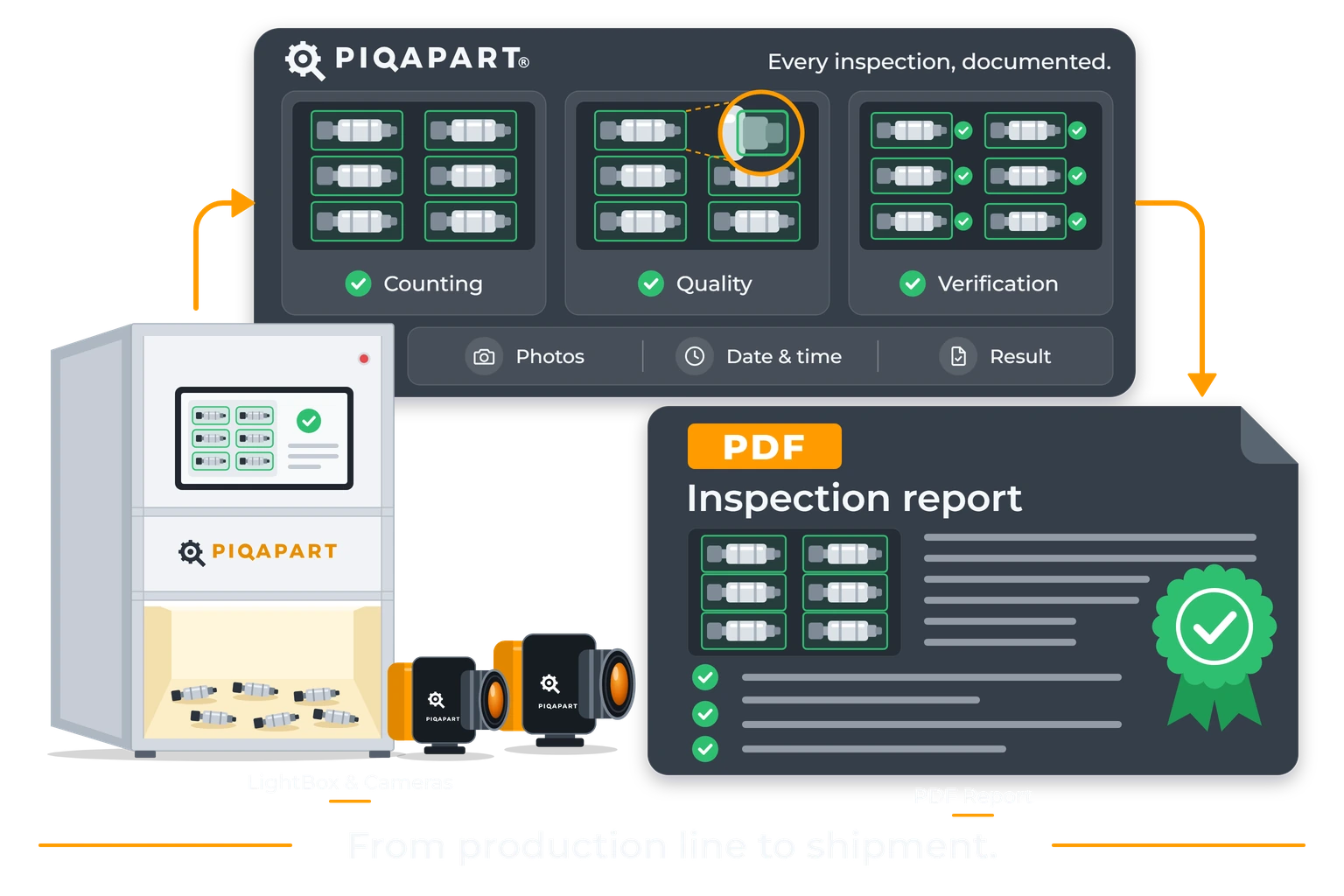
PIQAPART automatically records every check performed along the production steps: counting, component presence, defects, assembly sequences. For each check it stores date and time, operator, workstation, order, batch and part number, high-resolution photo, result and AI model version.
Check
LightBoxes and cameras verify parts, packs and kits.
Record
Photos and results are archived and linked to the order.
Prove
If a complaint comes in, you find the check in seconds and generate a PDF report with your logo.
PIQAPART Core. The modules you need. The PIQAPART Node sensors that fit your line.
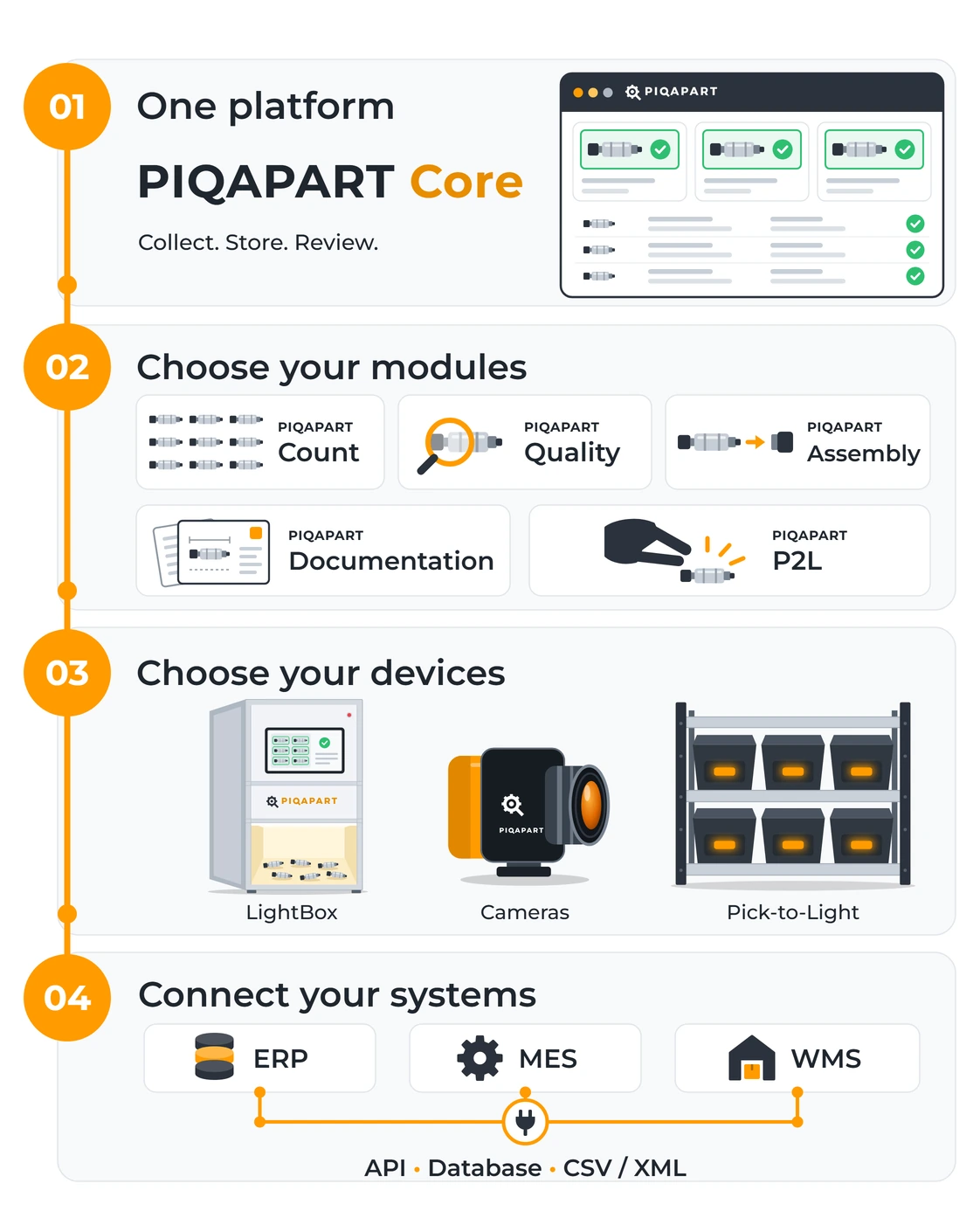
One platform: PIQAPART Core
The core of PIQAPART is a web dashboard that collects every check, archives it and makes it searchable, analysable and exportable (CSV, Excel, PDF).
Choose the modules you need
Turn on only the functions you need (counting, inspection, guided assembly, procedure documentation, picking) and add more whenever you want, without changing system.
Choose the right PIQAPART Node sensors for your line
PIQAPART Node sensors connect to PIQAPART Core: LightBoxes, overhead cameras and Pick to Light devices are the platform’s “eyes” and “hands” on the line and in the warehouse.
Connects to your systems
We integrate with any ERP, MES or WMS via API, database or CSV/XML files: we develop the connectors in-house.
PIQAPART Core modules
Every module writes to the same archive: a single quality history for every order.
PIQAPART Count
Counting
Counts and identifies parts with machine vision, including small parts, overlapping parts and mixed batches, without the approximations of a scale. Every count is recorded with a photo and linked to the order.
PIQAPART Quality
Inspection and compliance
Verifies component presence, position and orientation and detects defects and foreign bodies against the expected standard. Every result, compliant or not, is archived with its photo.
PIQAPART Assembly
Guided assembly
Guides the operator step by step and validates each step before moving on to the next. Every assembly stays documented from start to finish.
PIQAPART Documentation
Procedures and manuals with AI
From a video or photos of an operation, AI generates step-by-step SOPs and work instructions in seconds, translatable into over 30 languages and exportable to PDF, HTML and XML. The right way to work is documented and the same for everyone.
PIQAPART P2L
Pick to Light
Manages warehouse picking with LED light indicators: the operator immediately sees which bin to pick from or where to put away, with digital pick lists, reducing errors and training time.
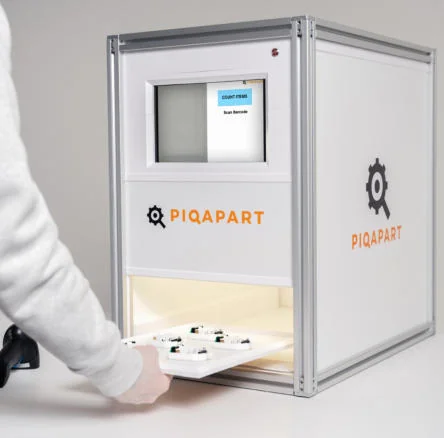
Every valve blister verified and documented before shipping.
In Bosch Rexroth’s packing area every blister goes through a PIQAPART LightBox. PIQAPART Core checks that the part number matches the order, counts the valves and verifies the presence and position of O-rings, seals and rings. Photo and result are saved for every order.
The result: if a customer reports a missing or non-compliant part, Bosch Rexroth has objective proof of how the blister was checked and shipped. Complaints are handled with facts, and faster.
Before we propose a solution, we test it on your parts.
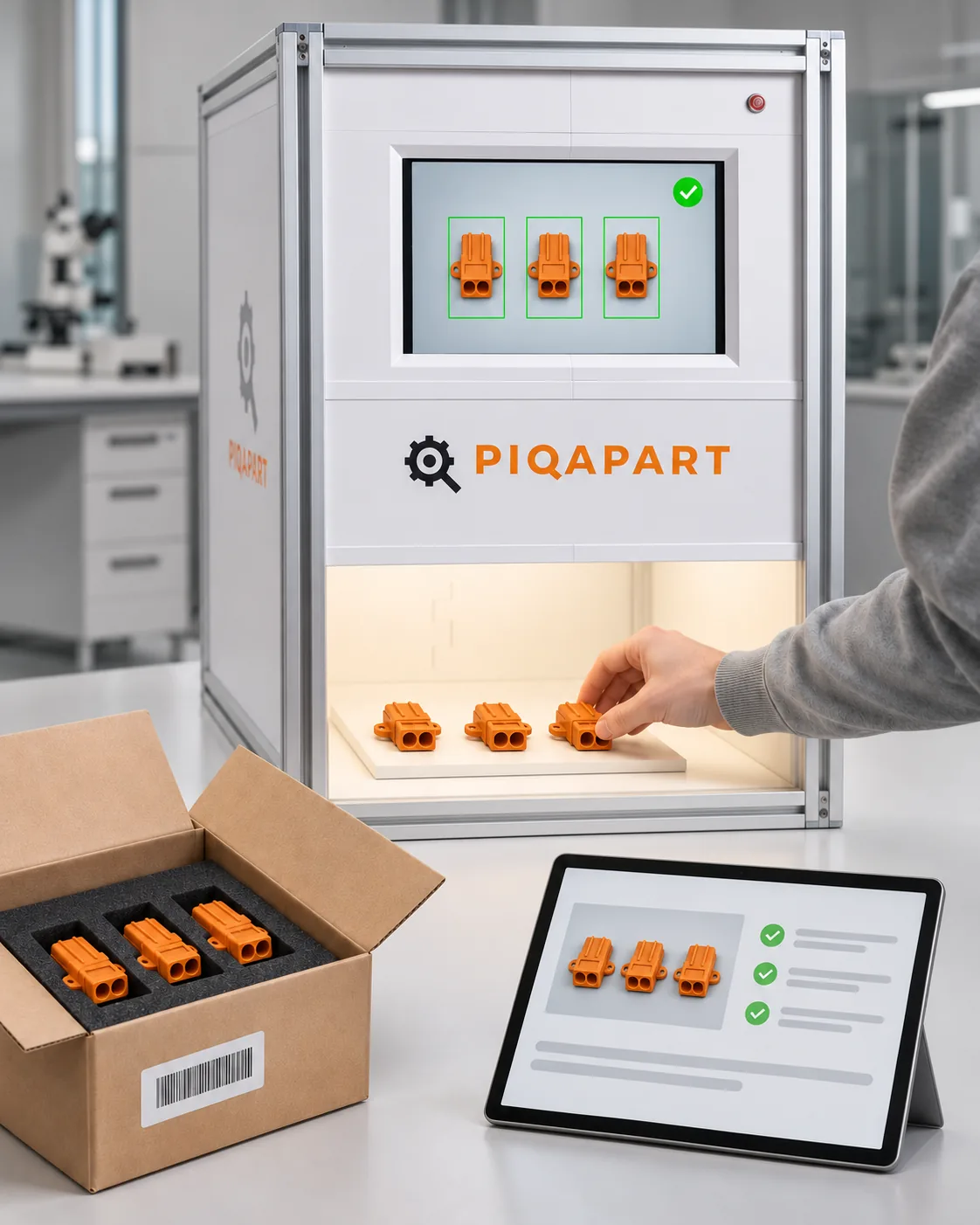
Consultation
You tell us which checks you do today and where errors come from.
Laboratory test
You send us a few samples of your products and we test them in our lab: we show you real results, on your parts.
Design
We choose the most suitable modules, PIQAPART Node sensors and deployment mode.
Installation and acceptance testing
We integrate PIQAPART Core into your line and your systems and test it.
Support and growth
Online and on-site training and support. Add modules and workstations when you need them.
Frequently asked questions
What data is recorded for each check?
Date and time, operator, workstation, order, batch and part number, high-resolution photo, check result and the version of the AI model that performed it.
Can I send proof to my customer?
Yes. For every check PIQAPART Core generates a preformatted PDF report that you can customise with your logo, text and layout.
Where is the data stored?
It depends on the mode you choose: locally on the workstation (Standalone), in the PIQAPART cloud (Cloud) or on your servers (On-premise).
Does it integrate with our ERP, MES or WMS?
Yes. We develop the connectors in-house (API, database, CSV/XML files), so we can connect to any system.
Does the AI need training on our products?
Yes, but we do it: we start from the samples you send us and test the system in our laboratory before installation. The models then improve over time with production data.
Can we start with a single workstation?
Yes. You can start with a single Standalone station and grow towards Cloud or On-premise, adding modules, lines and plants.
How accurate is the system?
Up to 99.99%, measured on automotive components at Clerprem, where only 2 false positives were recorded in over 60,000 checks.
Want to see traceability on your products?
Tell us which checks you do today: we’ll propose a test on your samples in our laboratory.